 United States
Why Is My Vape Screen Not Working? Display Problems Explained
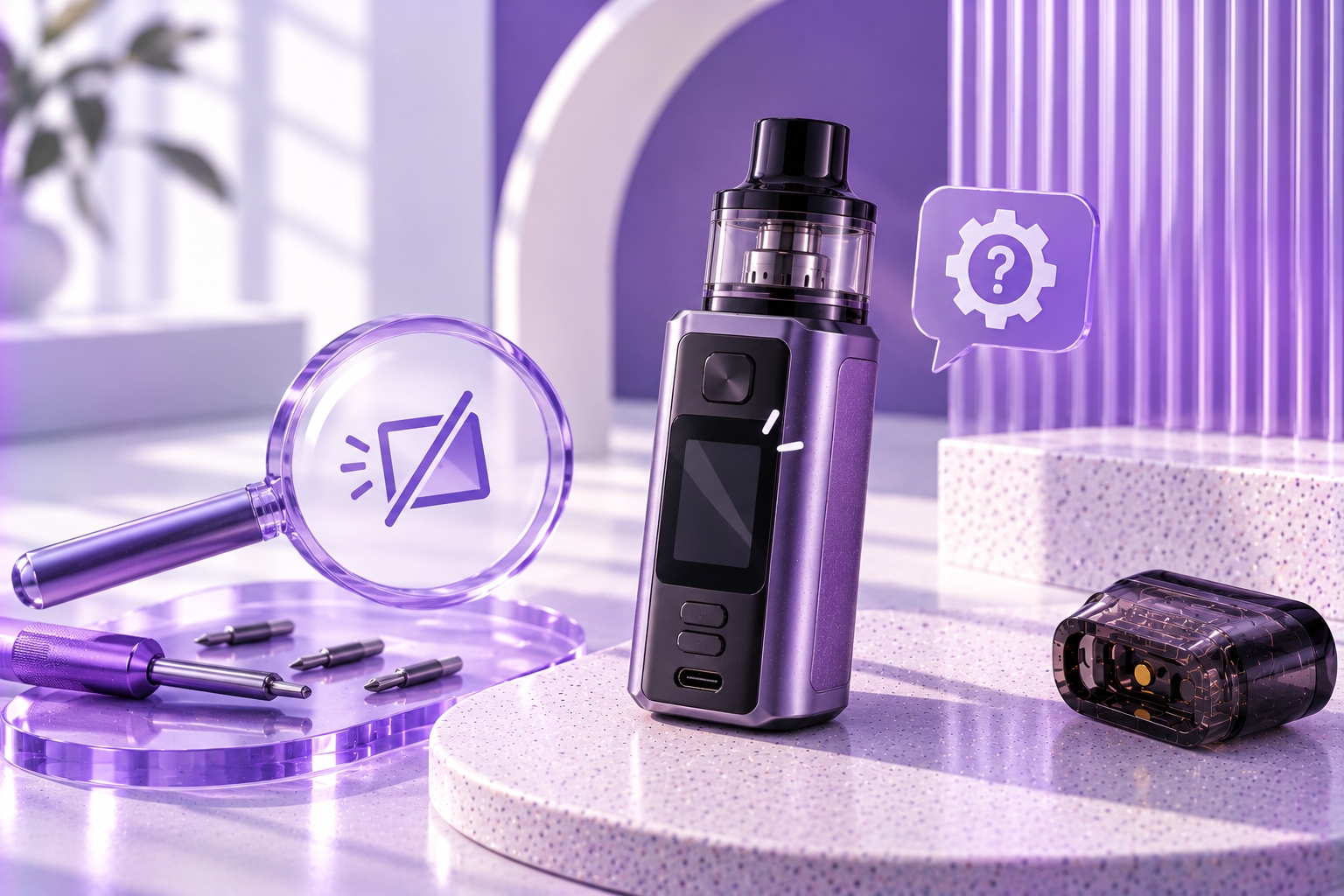
Technical Note: Vape screen behavior varies by device model, chipset, and display configuration. A black or unresponsive screen does not always mean the device is defective. Check your manufacturer's manual before changing settings or attempting a restart. Stop using the device if it shows unusual heat, physical damage, swelling, or other electrical warning signs.
A vape screen helps display information such as battery level, selected power settings, resistance readings, and device warnings. When the display suddenly goes black, freezes, or stops responding, it can become difficult to determine whether the problem involves the screen itself or another part of the device.
If your vape screen is not working, possible explanations include a disabled display setting, low battery, a temporary software issue, damaged buttons, or a hardware fault. The exact cause depends on the device's design.
This guide explains common vape display problems, how to recognize different symptoms, and which troubleshooting steps are safe to perform without opening or modifying the device.
Why Is My Vape Screen Not Working?
A vape screen may stop displaying information because the device is not supplying power to the display, the screen has been disabled through a supported setting, or the electronic system is not operating as expected.
Some regulated devices allow the screen to turn off automatically after a period of inactivity. Others may offer screen-lock, brightness, or display-related settings. These functions are not universal.
The first step is to identify whether the entire device is unresponsive or only the display is affected.
Common Vape Screen Problems and Their Possible Causes
1. The Vape Screen Is Completely Black
A black screen may indicate that the display is asleep, disabled, or not receiving power. It can also occur when the device battery is depleted or an internal component has failed.
If the device has a manufacturer-supported wake or power-on procedure, follow that procedure first. Do not assume that repeatedly pressing buttons will resolve the problem.
If the device remains completely unresponsive, the issue may extend beyond the display. Our unexpected shutdown guide discusses broader device power problems.
2. The Display Is Frozen
A frozen screen may continue showing the same information even when the user presses a button or changes a supported setting.
Possible causes include a temporary software problem, an unresponsive control button, or a fault involving the device's electronic controller.
A manufacturer-approved restart may help in some cases. However, repeatedly restarting a device with persistent display faults is not a substitute for proper diagnosis.
3. The Screen Is Too Dim to Read
A dim screen may result from a brightness setting, display timeout behavior, viewing conditions, or a hardware problem.
If the device supports adjustable brightness, review the display settings described in its manual. Not every vape provides this feature.
A display that becomes progressively dimmer or shows uneven illumination may require manufacturer assessment.
4. The Screen Turns On but Shows Incorrect Information
A display that shows unusual characters, missing sections, or inconsistent information may have a display, controller, or communication problem.
However, unfamiliar icons are not necessarily evidence of a malfunction. Some symbols indicate normal operating modes or device protection messages.
Our screen symbols guide explains common categories of displayed information. Always confirm the exact meaning through the device manual.
5. The Screen Works Intermittently
An intermittent display may appear normally at one moment and fail to respond later. This can involve software behavior, a control problem, or an internal electrical connection.
If the screen cuts out after an impact, moisture exposure, or other physical damage, stop using the device and seek manufacturer guidance.
6. The Screen Is Physically Damaged
Cracks, dark patches, distorted display sections, or visible damage may indicate a hardware problem rather than an adjustable setting.
Do not press on a damaged display, attempt to remove the screen, or open a sealed device to reconnect internal components.
How to Troubleshoot a Vape Screen Safely
Before troubleshooting, check that the device is not overheating, swollen, leaking, or visibly damaged. If any of these conditions are present, discontinue use and follow manufacturer safety guidance.
Step 1: Identify the Device Model
Find the exact device name and model number on the packaging, manual, or manufacturer documentation.
Button combinations, display settings, and power controls vary considerably between devices. A restart procedure intended for one model may perform a different action on another.
Step 2: Check Whether the Screen Is Asleep or Locked
Some devices automatically switch off their screens after a period of inactivity. Others support display locks or screen-related settings.
Use the manufacturer's documented wake or unlock procedure. Avoid guessing button combinations because some controls may change operating settings.
Step 3: Check the Battery Status
A depleted battery may prevent a device or its display from turning on. If the device shows no signs of damage, follow the manufacturer's instructions for checking and charging the battery.
Use only compatible charging equipment. If the device does not respond to approved charging methods, do not continue testing it with unrelated chargers.
Our charging troubleshooting guide covers charging failures separately from display malfunctions.
Step 4: Review Display Settings
If the screen remains readable, check whether the device offers brightness adjustment, screen timeout, or other display controls.
Only change settings that are documented for your model. Do not alter power or electrical protection settings simply to troubleshoot the display.
Step 5: Follow an Approved Restart Procedure
Some manufacturers provide a specific procedure for restarting or powering off a regulated device.
If the device manual provides one, follow it exactly. Do not remove built-in batteries, open the housing, or attempt electrical resets using tools.
Step 6: Inspect for External Damage
Examine the display and housing for cracks, deformation, signs of liquid intrusion, or damaged controls.
Visible damage, abnormal heat, or evidence of moisture inside the device should be treated as reasons to stop troubleshooting and contact the manufacturer.
Step 7: Contact Manufacturer Support
If the screen remains blank, frozen, or unreliable after approved checks, the device may require professional inspection or replacement.
Do not attempt to repair display wiring, circuit boards, or internal battery connections yourself.
Vape Screen Problems vs. Device Power Problems
A screen malfunction and a device power failure can produce similar symptoms, but they are not necessarily the same problem.
| Symptom | Possible Explanation |
|---|---|
| Screen is black, but other device indicators respond | Display setting or screen-related fault |
| Screen and all other indicators are unresponsive | Battery, power control, or broader electronic issue |
| Screen displays information but buttons do not respond | Control lock, button problem, or controller fault |
| Screen turns off after inactivity | Potentially normal display timeout behavior |
| Screen has cracks or distorted sections | Possible physical display damage |
These symptoms are general indicators rather than definitive diagnoses. Device behavior and display features vary by model.
Can a Vape Work With a Broken Screen?
Some devices may still respond to certain controls when the display is not functioning. However, that does not establish that the device is safe to operate.
A broken screen can prevent users from confirming selected power settings, battery information, resistance readings, and electrical warnings.
For devices that rely on the display to communicate important operating information, continued use with an unreadable or unreliable screen is not recommended. Seek manufacturer guidance before further use.
Does a Vape Screen Need a Firmware Update?
Not necessarily. A blank or frozen display does not automatically indicate outdated firmware.
Only certain devices support user-installed firmware updates, and a software update should be considered only when the manufacturer specifically identifies it as an appropriate solution for the model and problem.
Installing unofficial firmware or attempting unsupported software modifications may introduce additional problems. Do not use firmware changes to bypass device protections.
How to Prevent Vape Display Problems
Careful handling and manufacturer-recommended maintenance may reduce some avoidable display and control problems.
- Protect the device from drops and unnecessary impact.
- Avoid exposure to moisture unless the manufacturer explicitly specifies relevant protection.
- Keep the screen and external controls free from excessive residue.
- Use the manufacturer's recommended charging equipment.
- Avoid forcing buttons or pressing on the display.
- Follow official instructions for screen settings and device restarts.
- Stop using a device that develops persistent display or electrical faults.
Routine device maintenance may help reduce preventable wear, but it cannot repair a defective screen or internal controller.
When Should You Stop Using the Device?
Discontinue use and seek manufacturer support if the device shows any of the following:
- A cracked or severely damaged display
- An unreadable screen that prevents confirmation of important operating settings
- Unexpected firing or unresponsive controls
- Unusual heat, swelling, leakage, or a burning smell
- Persistent screen faults after manufacturer-approved troubleshooting
Do not open the device housing or attempt to reconnect internal display components. Sealed devices and lithium-ion battery assemblies may present additional hazards if improperly handled.
Final Thoughts
If your vape screen is not working, the cause may involve a normal display timeout, an incorrect setting, low battery, an unresponsive control, or a hardware problem.
Begin by checking the exact model's manual, confirming supported display settings, and following any approved restart procedure. If the display remains unreliable or the device shows signs of damage, discontinue use and contact the manufacturer rather than attempting internal repairs.
Sources & Further Reading
Because screen controls and restart procedures vary by device, consult the official support resources for your exact model:
- Geekvape — Official Product Manuals and Support
- Vaporesso — Official Device Documentation
- Innokin — Official Product Support
Important Reminder: A black, frozen, or damaged screen can have different causes depending on the device. Never guess button combinations, install unsupported firmware, or dismantle a sealed vape to repair its display. Follow manufacturer instructions and stop using a device with unresolved electrical faults.