 United States
Why Is My Vape Blinking but Not Hitting? What to Check First
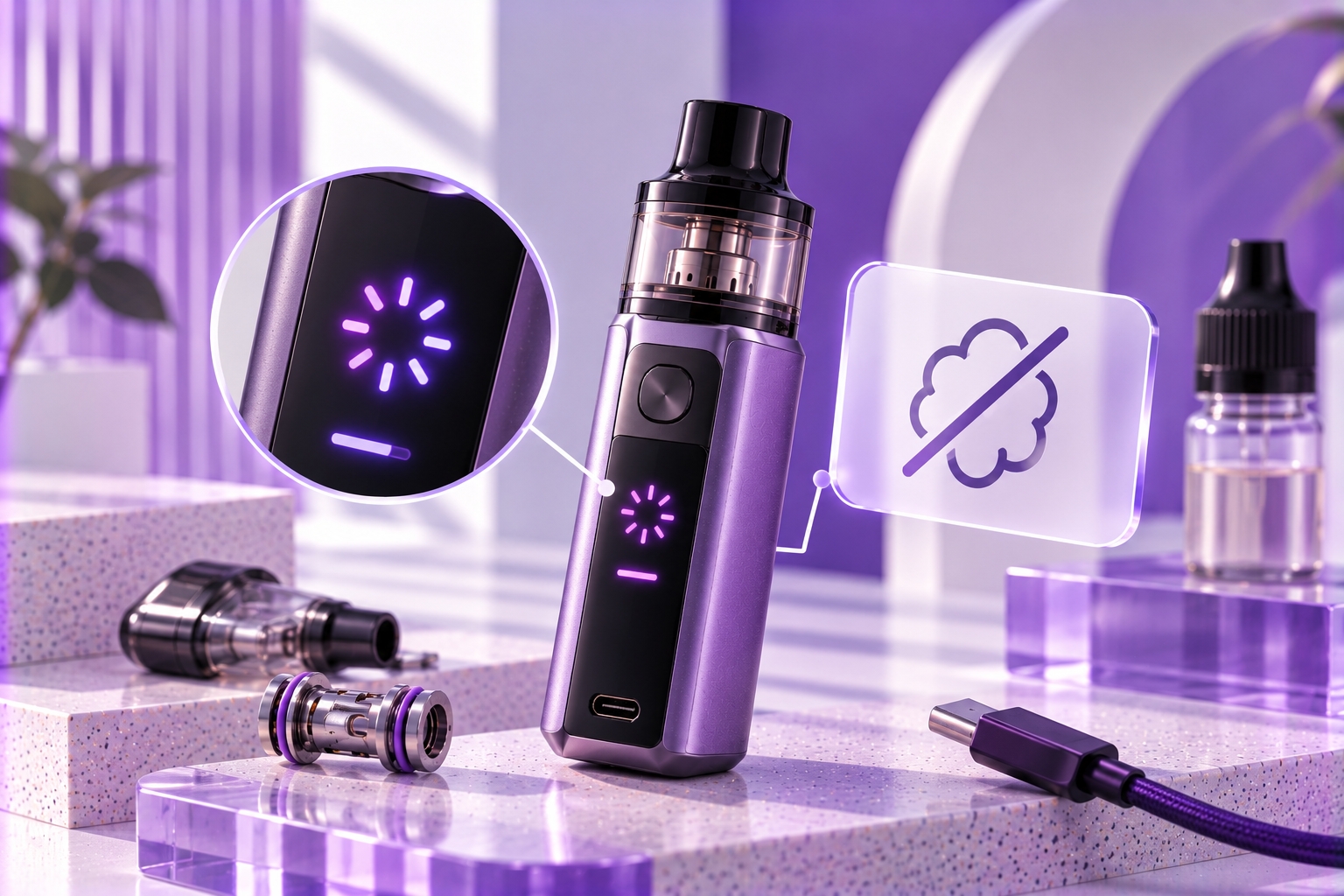
Important: Vape blinking patterns are not universal. A flashing indicator may represent different conditions depending on the device manufacturer and model. Check your device manual before attempting troubleshooting. Stop using or charging a device that is swollen, damaged, unusually hot, or producing smoke.
You press the fire button or inhale through your vape, and the indicator starts blinking. The device appears to respond, but no vapor comes out. Does this mean the battery is dead, the pod is disconnected, or the device has stopped working?
A vape blinking but not hitting can indicate that the device recognizes an activation attempt but cannot complete the firing process. Depending on the model, this may involve insufficient battery charge, an unrecognized coil or pod, or an electronic protection feature.
Unlike a device that does not turn on at all, a blinking vape provides a visible response. However, that response does not automatically identify the problem.
This guide focuses on what to check when a vape flashes during activation but fails to produce vapor, without treating every blinking pattern as the same error.
Why Does My Vape Blink When I Try to Hit It?
On some regulated vape devices, a flashing light indicates that the control system has detected a condition affecting normal operation. The device may illuminate even though it does not deliver power to the heating coil.
The key distinction is whether the indicator flashes instead of producing vapor or simply flashes during otherwise normal operation.
For example, some devices use flashing indicators for low battery, while others use them for coil-detection errors or programmed protection events. The exact number of flashes and their meaning must be confirmed using the manufacturer's instructions.
What to Check When Your Vape Blinks but Doesn't Hit
1. Confirm Whether the Battery Has Enough Charge
A vape may have enough remaining power to illuminate its indicator but not enough usable charge to operate the heating system. Some models signal this through a specific flashing pattern.
What to check: Compare the indicator with your device's documented low-battery signal. If charging is appropriate, follow the manufacturer's instructions and use compatible charging equipment.
If the device is unusually hot, swollen, leaking from the battery, or visibly damaged, do not charge it to test whether the warning disappears.
2. Check Whether the Pod or Coil Is Recognized
Some devices prevent firing when the installed pod or coil is not detected correctly. The indicator may flash because the expected electrical connection has not been established.
What to check: Verify that the pod or coil is compatible with the exact device model and installed according to the manual. If the component is user-removable, follow the manufacturer's instructions for inspecting its seating.
Do not bend contacts, insert metal objects, or attempt to bridge electrical connections. If a removable pod repeatedly loses recognition, our pod connection guide covers that specific issue.
3. Determine Whether a Protection Feature Is Active
Many regulated vape devices include protections that restrict firing under certain conditions. Depending on the manufacturer, these may involve electrical faults, battery voltage, temperature, or firing-duration limits.
What to check: Observe whether the device flashes immediately when activated or only after several seconds of firing. This difference may help identify which manufacturer-defined condition is involved.
A documented atomizer short warning should not be confused with a normal programmed firing cutoff. Never bypass a protection feature to make the device activate.
4. Check Whether the Activation System Responds Consistently
On draw-activated devices, indicator activity does not necessarily mean the coil has received power. Some models use electronic sensors and control systems that may behave differently when a fault is detected.
What to check: Note whether the light responds consistently to an inhale or only intermittently. Compare that behavior with the manufacturer's operating instructions.
If the main issue is an unresponsive automatic activation system rather than a specific blinking warning, our auto-draw troubleshooting article covers that narrower problem.
Does the Number of Blinks Tell You What's Wrong?
Sometimes, but only when the manufacturer defines that pattern for the exact device model. There is no universal rule that a particular number of flashes always means low battery, coil failure, or a short circuit.
Before interpreting the warning, identify the device model and note the indicator color, number of flashes, and whether the pattern appears during activation or charging.
Our guide to vape light meanings explains general LED behavior. The exact interpretation should still come from your device manual.
Quick Comparison: Blinking but Not Hitting
| What You Notice | Possible Condition | Appropriate Next Step |
|---|---|---|
| Flashes immediately with no vapor | Battery, connection, or model-specific firing restriction | Check the documented warning pattern |
| Flashes with a removable pod installed | Possible pod recognition issue | Verify compatibility and correct installation |
| Flashes after several seconds of firing | Possible programmed cutoff | Check the manufacturer's cutoff specification |
| Flashes despite a full battery indicator | Possible non-battery warning or fault | Consult the manual or manufacturer |
| Flashes with unusual heat, smoke, or damage | Potential battery or electrical hazard | Stop using and charging |
These are general observations rather than manufacturer-specific diagnostic codes. Different devices may display similar patterns for unrelated conditions.
What If Your Vape Still Blinks After the Recommended Checks?
If the device continues flashing without producing vapor after the manufacturer's permitted checks, avoid repeatedly trying to force activation.
Persistent warnings may require manufacturer support, particularly when the device uses a sealed battery, displays an electrical error, or has suffered physical or liquid damage.
The device's model number, exact blinking pattern, and circumstances of the warning can help an authorized service provider assess the problem without unnecessary disassembly.
When Should You Stop Using the Device?
Stop using or charging a vape if it develops excessive heat, battery swelling, leaking from the battery, unusual odors, smoke, or visible electrical damage.
The U.S. FDA advises following manufacturer instructions and taking precautions to reduce battery-related incidents. The U.S. Fire Administration identifies excessive heat, leaking, unusual odors, and changes in battery shape as warning signs.
Do not open a sealed battery enclosure, modify electrical contacts, or bypass built-in protections. If the device is smoking or presents an immediate fire hazard, move away and contact emergency services.
Final Thoughts
When your vape blinks but does not hit, the indicator shows that the device is responding in some way, but it does not reveal a universal cause. The problem may involve battery conditions, pod recognition, firing protection, or another model-specific issue.
Identify the exact flashing pattern, consult the manufacturer's instructions, and follow only approved checks. If the warning persists or the device shows signs of damage, stop using it and seek appropriate support.
Sources & Further Reading
- U.S. Food and Drug Administration — Tips to Help Avoid Vape Battery Fires or Explosions
- U.S. Fire Administration — Battery Fire Safety
- Manufacturer's user manual — Exact LED patterns, protection behavior, and model-specific troubleshooting instructions.
Safety reminder: Do not continue using or charging a damaged, swollen, or overheating device. Never attempt to bypass electronic protections or repair a sealed battery system. Follow manufacturer instructions and seek authorized support when the warning cannot be resolved safely.